
There are two development forks of Minecraft: the everyday version is delivered by the normal launcher, while the weekly development snapshot, full of updates and additions, is a separate download that requires back and forth to get it to work. It can be a hassle trying to play the snapshot, as it involves renaming files in the folder each time you want to play a different version, but there’s an easy, fuss free way of setting up Minecraft to let you swish saucily between the two.
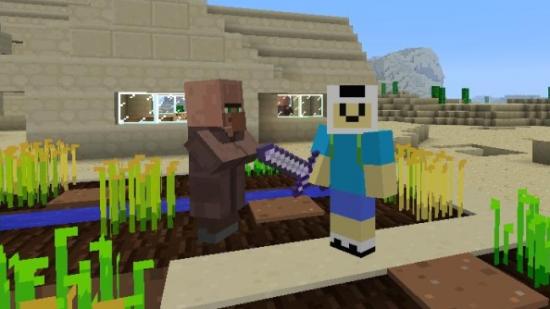
Why do this? The current server I play on is set to a recent snapshot, not the main game, and without a launcher moving from that to another server is an annoyance. But with Magic Launcher, it’s much, much easier. It also shows off where Minecraft is headed: new UI and AI elements are common. The latest has trading between villagers and players, for example.
First download the snapshot you want. Mojang release them on their blog, and the most recent one is here.
Follow the instructions: it’s worth noting that you’ll need a server snapshot as well, which is how Minecraft will run in the future. Make sure you rename it something memorable so you’ll know what version it is, otherwise when you place it in the Minecraft folder you’ll overwrite the current one. The easiest way to find the Minecraft folder it open the main game, click on “Texture Packs” and “Open Texture Pack Folder”. That’ll let you access the “.minecraft” folder and the bin folder the download is supposed to land in.
With those downloaded and placed in the right place, you’ll need a launcher. My current favourite is Magic Launcher. Like the Minecraft.exe, all you need to do is launch it and put in your credentials. There’s an obvious difference between the two launchers, but your main benefit is with the drop-down menu next to ‘Configuration’, which is where you can select the current version to launch. Now you can launch any version of Minecraft as long as you have the .jar file, and you don’t need to worry about renaming or overwriting anything.
It has other benefits: you can have as many versions of Minecraft as you want, so you could have a modded and vanilla version of the same version. And under ‘Setup’ you can point the game towards any mods you want installed, and it’ll take care of them as well.