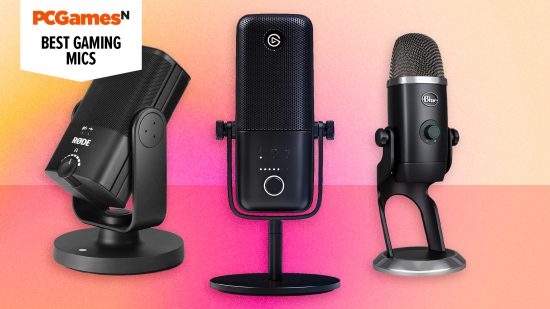

Are you looking to buy the best gaming microphone for your budget? Whether you’re streaming, recording a podcast, or want everyone to comment on your velvety voice when playing the best multiplayer games, we’re trying and testing the top gaming mics for every budget.
It’s worth upgrading to a dedicated microphone, as even the best gaming headset can’t compete for audio quality and features. These products are designed to capture your voice as it sounds in real life. Luckily, the best gaming mics are becoming more affordable and accessible, with many falling below $100.
XLR microphones connected to your PC via an XLR cable are still the best choice if sound quality is your main concern. But USB microphones are ideal if you want plug-and-play simplicity without the need for multiple interfaces. Our list is based on hours of testing and contains a mix of both to help you find the right gaming mic for you.
Why you can trust our advice ✔ At PCGamesN, our experts spend hours testing hardware and reviewing games and VPNs. We share honest, unbiased opinions to help you buy the best. Find out how we test.
Elgato Wave:3
Best gaming microphone overall
 Today’s best deals
| Sample rate | 48 / 96kHz |
| Bit rate | 24-bit |
| Frequency response | 70Hz – 20kHz |
| Polar patterns | Cardioid |
| Connectivity | USB-C |
- Clean, transparent output
- Integrated stand and pop shield
- Great software
- Wave Link software can be finicky
- Awkward mute button placement
- Expensive
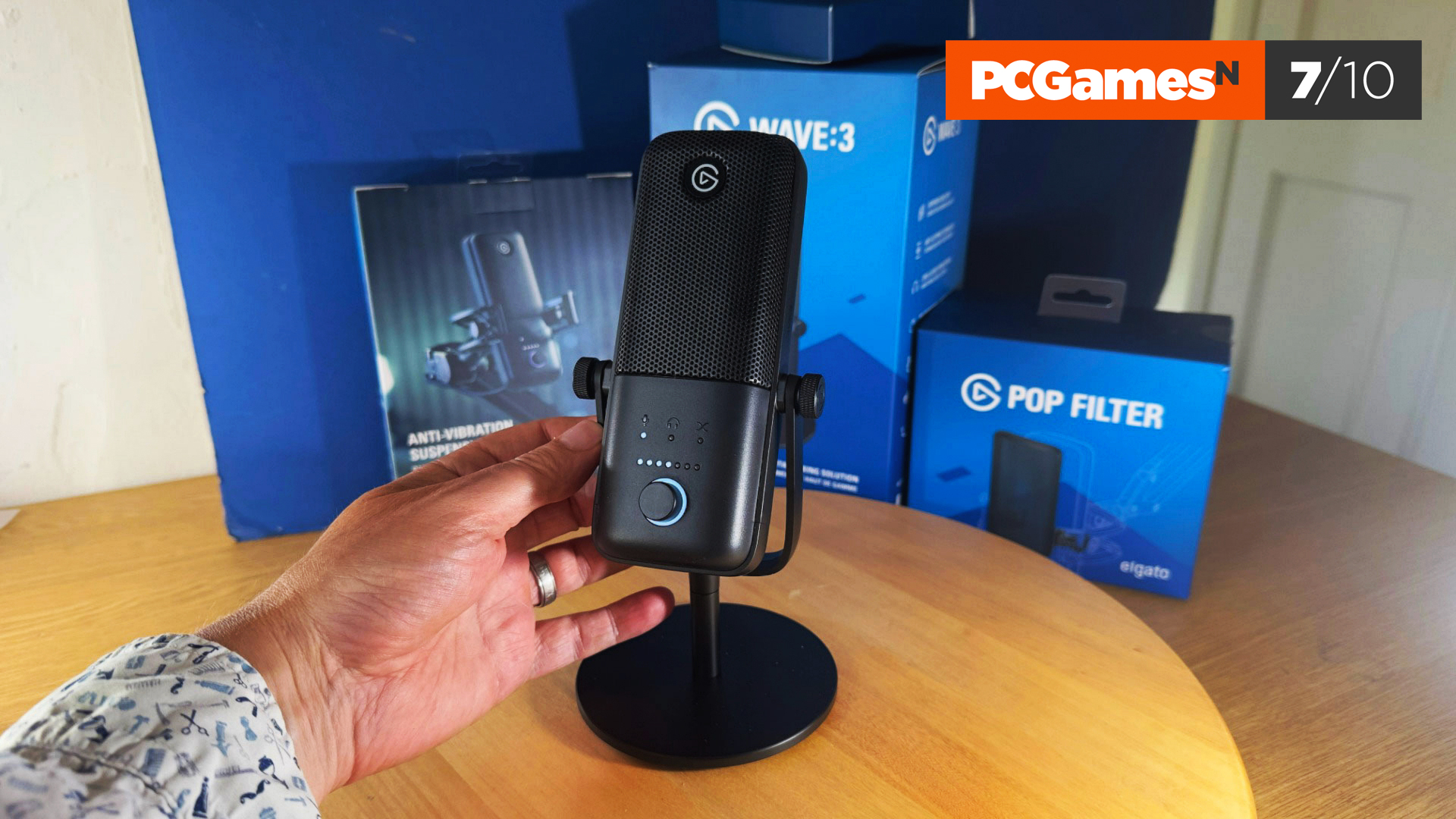
You can stream without a webcam, but broadcasting without a microphone removes the interactive element with your viewers, making audio quality all the more important. The Elgato Wave:3 comes with a whole host of features to make sure both you and your audience get the best experience possible.
It has an understated design that’s smaller than most smartphones, meaning it won’t steal the show or obscure your webcam. It’s also highly functional, using a single dial to adjust the input gain, headphone monitoring volume, and even the microphone and PC mix to strike the right balance between the two. The red mute LED around the dial allows quick off-and-on operation.
Software is Elgato’s strong suit, providing you with a nine-channel digital mixer to properly tune your audio. It doesn’t have a big learning curve and is well worth the price tag with its more granular approach to your stream’s sound – provided you only need one microphone, as you can’t run multiple Wave mics simultaneously.
Read our Elgato Wave:3 review.
Blue Yeti
Best streaming microphone
Today’s best deals
| Sample rate | 48kHz |
| Bit rate | 24-bit |
| Frequency response | 15 Hz – 22 kHz |
| Polar patterns | Cardioid, Bidirectional, Omnidirectional, Stereo |
| Connectivity | USB, 3.5mm jack |
- Excellent sound quality
- Classic design
- Multiple polar patterns
- Fixed mic stand
- No XLR support
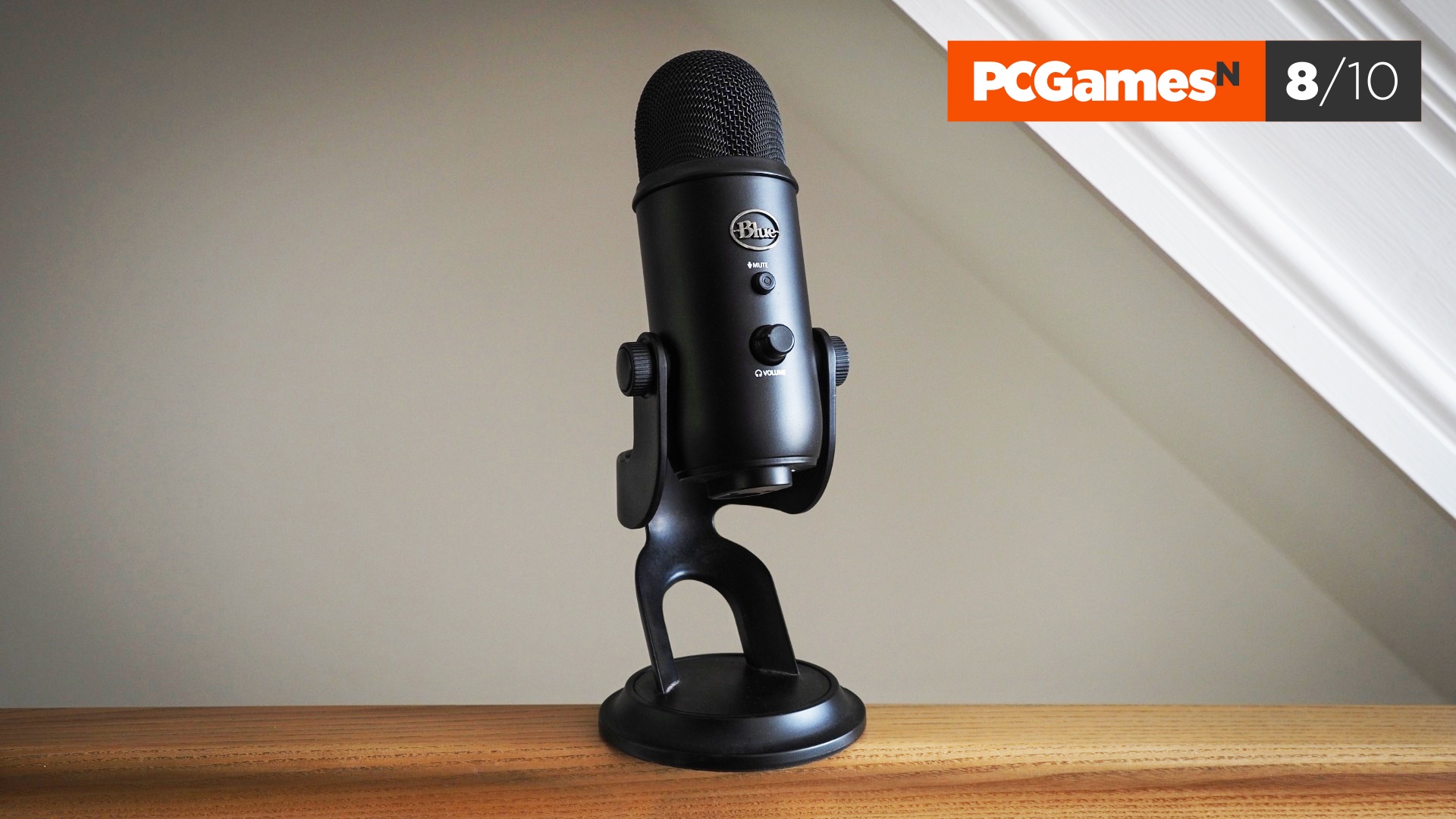
If you’ve never used a dedicated microphone, and are coming from webcam or headset audio, then buying the Blue Yeti will immediately transform the quality of your stream.
This microphone was released in 2009, but we’ve included it over the more expensive, newer Blue Yeti X because it’s affordable and plain works; you simply connect it to your setup and start speaking.
You won’t get options to customize your audio like the Elgato Wave:3, and there are modern options with better sound quality. However, our reviewer found that it delivers audio quality better than most mics in its category, with the Caridoid pattern being the best for talking into the front of the mic.
Read our Blue Yeti review.
Logitech G Yeti GX
Best gaming mic for ease-of-use
Today’s best deals
| Sample rate | 24bit / 96KHz |
| Frequency response | 60Hz – 18.5kHz |
| Polar patterns | Supercardioid |
| Connector | USB-C to USB-A |
- Compact design
- Customizable ring of RGB lighting
- Unique desktop stand
- No audio monitoring
- Not ideal outside of streaming/gaming
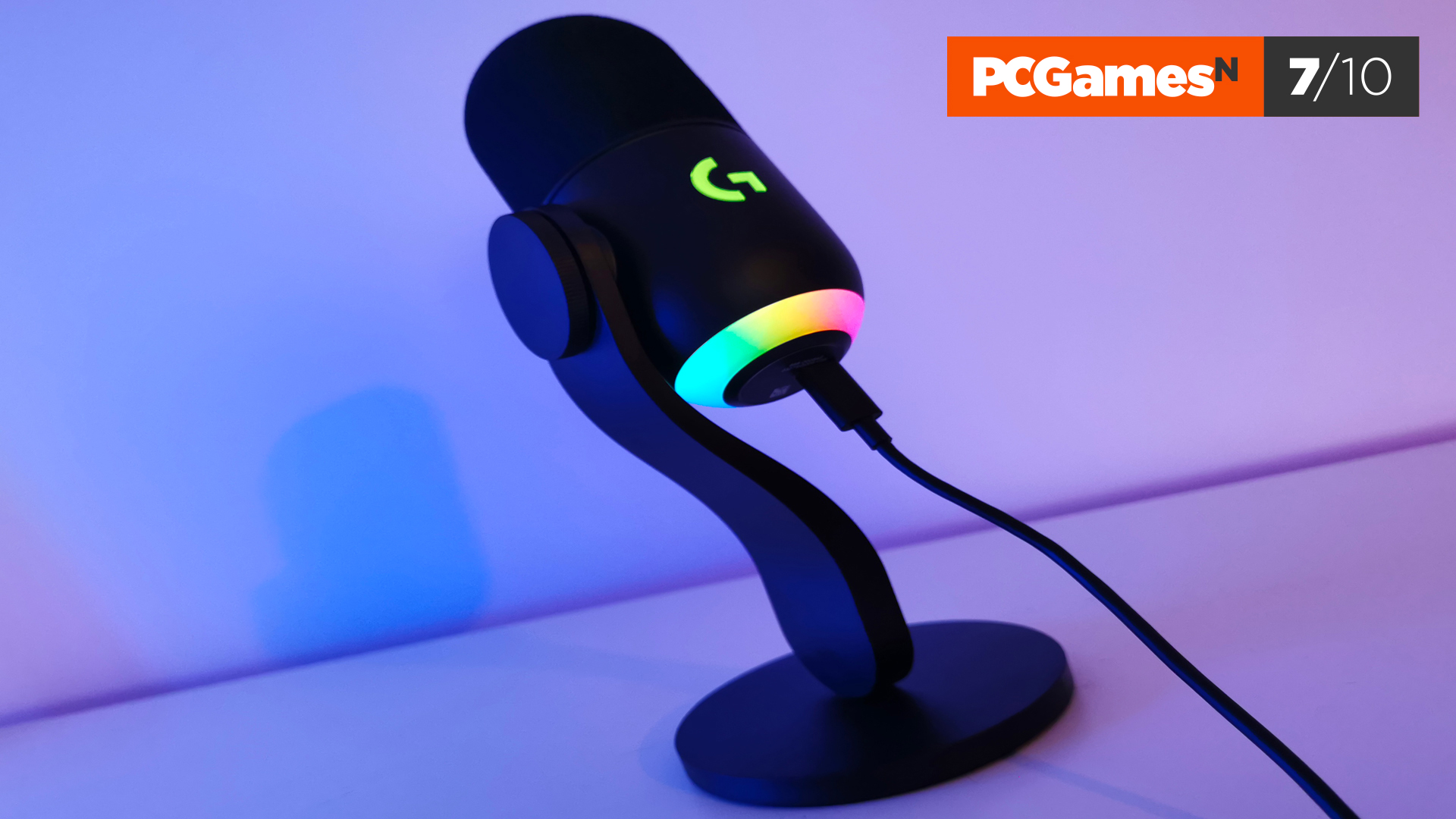
The Logitech G Yeti GX is the latest addition to the long-running lineup of Yeti microphones that started life under the brand name, Blue. Many of the Yeti models (including the ones in this guide) were loved for their versatility and sound quality, but the Yeti GX is a simpler option, just with the addition of RGB lighting.
The Yeti GX sports a black pill-shaped design that’s cute and compact, with customizable RGB lighting around its base. During testing, we liked the mic’s unique curved S-shaped stand, and the power cable being tucked out of the way. But the stand isn’t height adjustable and you’ll need a boom arm for greater angle versatility.
The audio quality is clear and well-pitched for streaming. But in our test, it lacked the warmth of vocals compared to rivals. If you’re looking for a compact, plug-and-play microphone that works straight out of the box, the G Yeti GX won’t disappoint. But there are cheaper options out there with equivalent sound quality – they just likely won’t have RGB.
Read our Logitech G Yeti GX review.
Razer Seiren V2 Pro
Best small gaming microphone
Today’s best deals
| Sample rate | 96kHz |
| Bit rate | 24-bit |
| Frequency response | 20Hz-20kHz |
| Polar patterns | Cardioid |
| Connectivity | USB |
- Clear, transparent signal
- Subtle, understated styling
- 96kHz, 24-bit audio
- No Pop filter
- Complex Stream Mixer software
- No boom arm
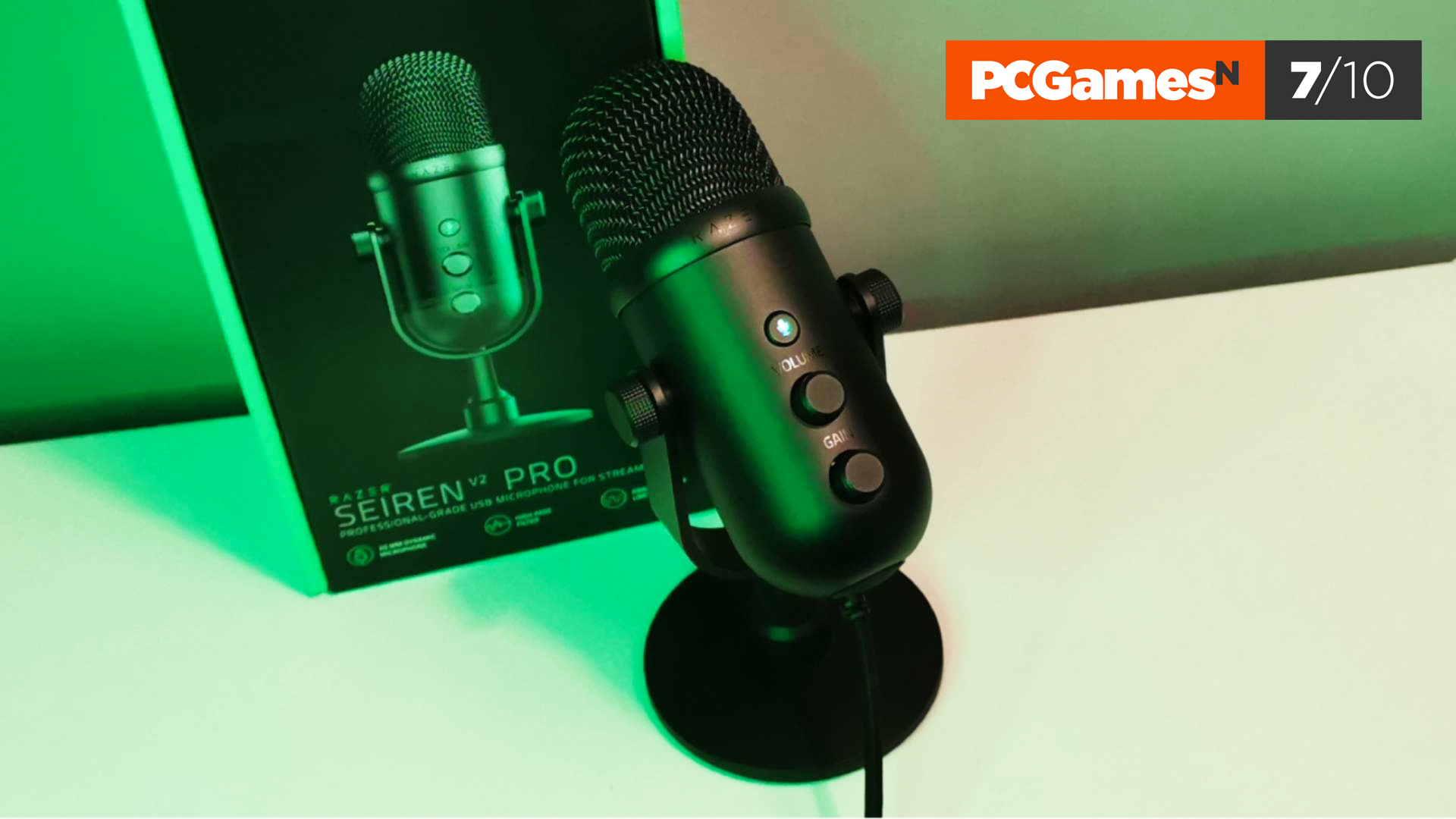
With a smart new form factor, the Seiren V2 Pro certainly looks the part. Dressed head-to-toe in matte black, it’s a sleek mic with front-mounted gain and volume dials sitting just below a mute button.
Connectivity comes via a proprietary USB-C cable shaped to fit the Seiren’s curved body and terminating in a standard USB-A connection. A good chunk of a USB mic’s appeal is that you can plug it in and get cracking straight away, with minimal fuss or tweaking of settings. Here, you’ll need to be prepared to put time into the Razer Synapse app to make the most of the V2 Pro.
There’s no boom arm included in the Seiren’s packaging, and you’d be advised to pick one up as the bundled desk stand sits too low to make good use of the mic’s limited range. You can turn up the gain, but you’ll likely incur some unwanted background noise.
This is a competent mic that does a solid job, provided you can overlook the omission of a boom arm and are open to tweaking the output via the Synapse app.
Read our Razer Seiren V2 Pro review.
Rode X XDM-100
Best premium gaming microphone
Today’s best deals
| Sample rate | 48kHz |
| Bit rate | 24-bit |
| Frequency response | 20Hz – 20kHz |
| Polar patterns | Cardioid |
| Connectivity | USB-C, 3.5mm jack |
- Excellent audio quality
- Solid build quality
- Virtual mixing software
- Lofty price
- Only one polar pattern
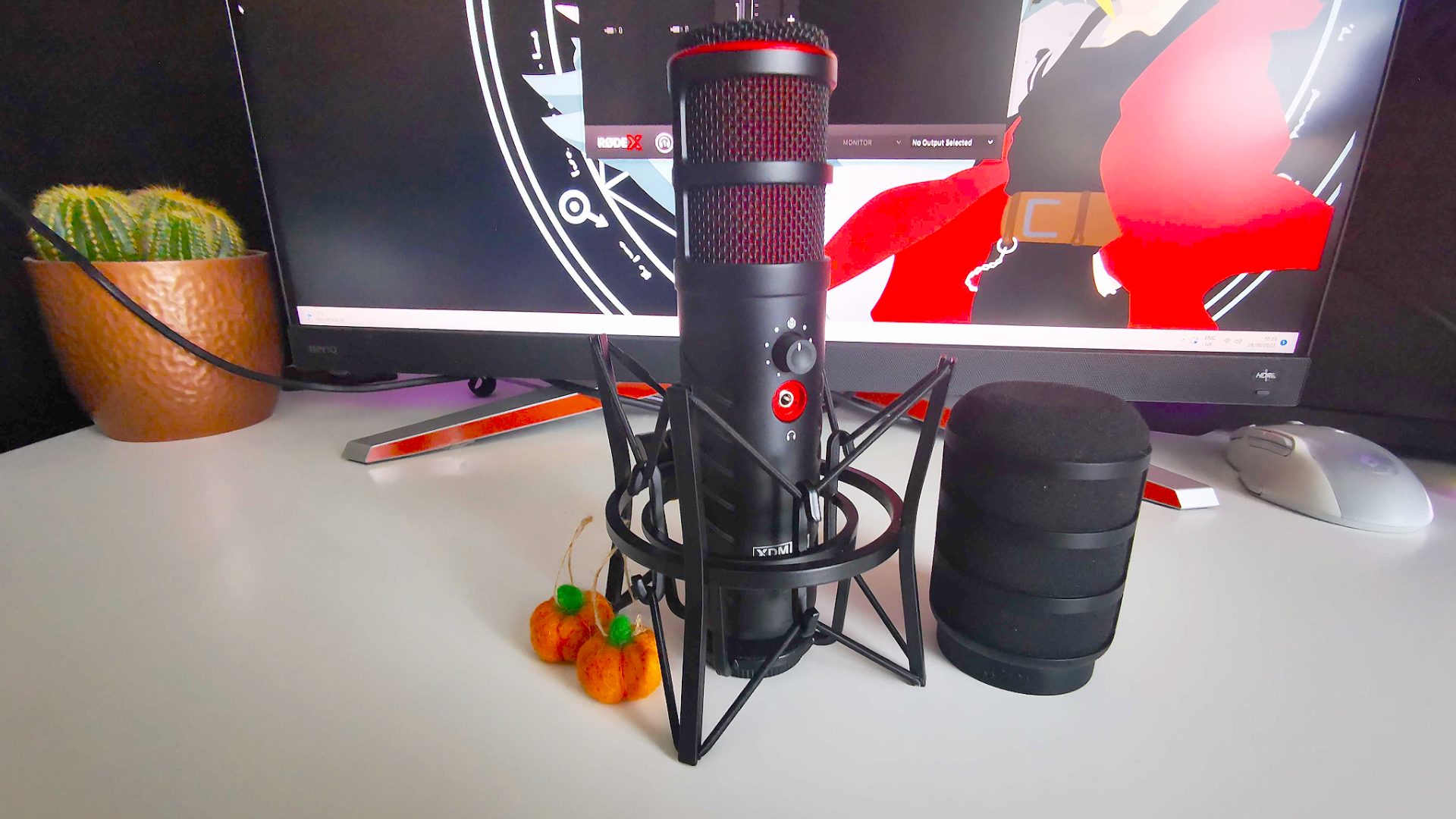
The Rode X XDM-100 is a USB-C gaming mic that targets professional Twitch streamers with superb audio capabilities. It also holds up against even the best XLR setups, thanks to an included virtual mixing suite that emulates the Rodecaster Pro.
Boasting a dynamic capsule, USB-C connectivity, and a wide 20 Hz – 20 kHz frequency range, the Rode X XDM-100 houses high specs within its sleek metal shell. At the heart of the mic is the company’s Revolution Preamp — an internal amplifier that eliminates the need for additional processing and gain.
The XDM-100 arrives alongside Rode’s new Unify virtual mixer, and the software helps this premium gaming mic shine. Its intuitive layout will no doubt appeal to seasoned streamers and content creators alike, while additional ‘Aphex’ features will help you dial in your audio input.
Rode’s gaming mic commands a premium price tag, but if you’re looking for a USB-C device that’ll offer XLR levels of functionality, the XDM-100 won’t disappoint. Just keep in mind that while the package includes a nifty shock mount and a pop filter, we’d advise clamping it to your gaming desk with a decent boom arm.
Read our Rode X XDM-100 review.
Razer Seiren V3 Chroma
Best gaming microphone with RGB
Today’s best deals
| Sample rate | 96 kHz (48KHz and 44.1KHz also available) |
| Bit rate | 96-bit |
| Frequency response | 20Hz – 20kHz |
| Polar patterns | Supercardioid |
| Connectivity | Type-A to Type-C USB, 3.5mm |
- Stream and game-reactive lighting
- Clear, transparent signal
- RGB effects not for everyone
- Boom arm needed for streaming
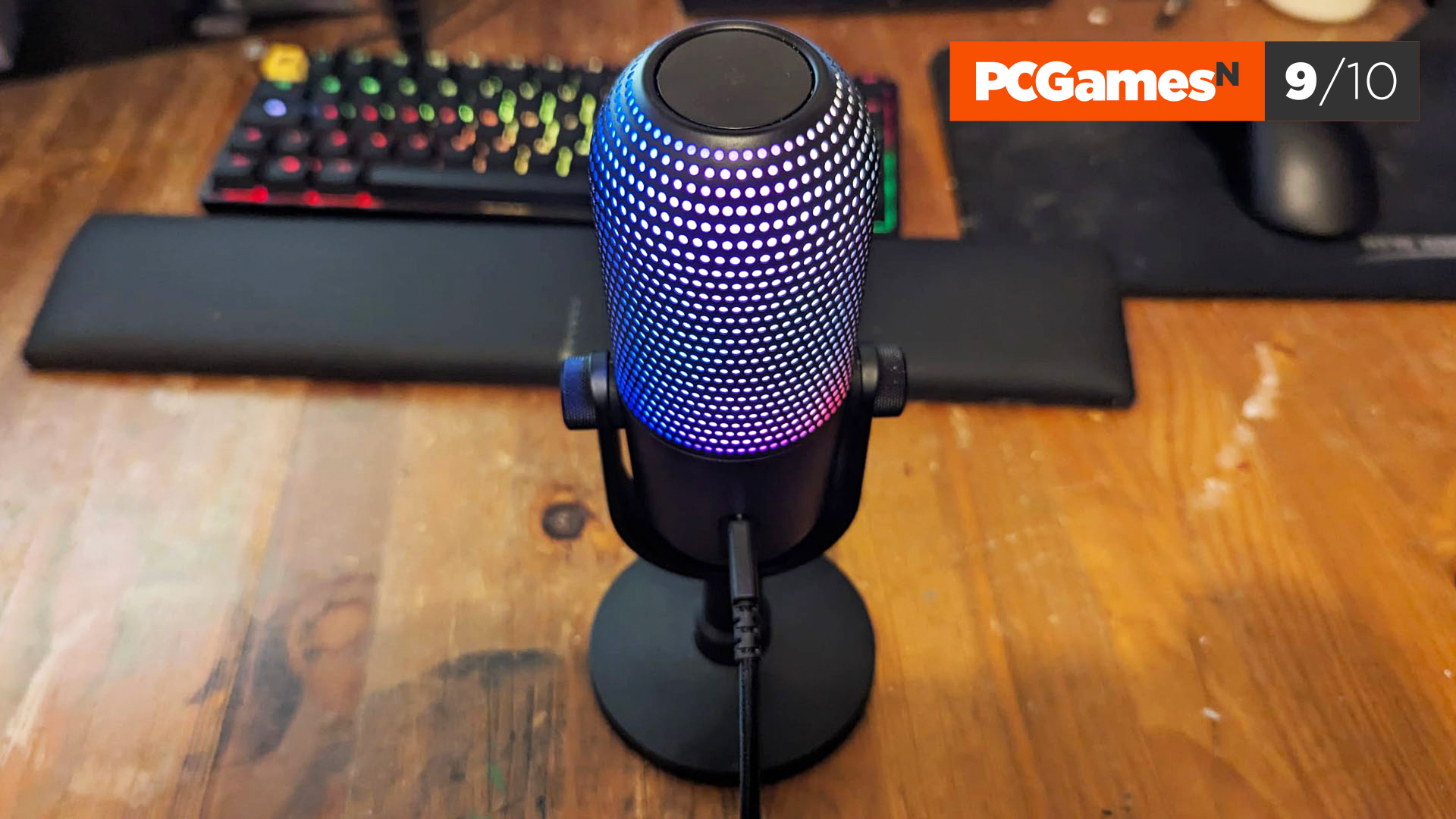
The Razer V3 Chroma is a step up from the cheap Razer Seiren Mini but cheaper than the Razer V2 Pro. Its main selling point is stunning RGB lighting – customizable, of course – running around the main body. Like all the mics in this guide, operation is plug-and-play which means it works as soon as it’s plugged into your PC via a USB port. To customize and control audio options you’ll need Razer’s Synapse software, but this is free and intuitive to use.
The design is simple but attractive. There’s a gain/volume dial at the front for tweaking headphone or microphone levels, and the mute button can be found on the top – simply press it once to cut your audio.
This mic is for gamers and streamers who want another way to incorporate RGB lighting into their setup. Our reviewer said it was the brightest, most dynamic microphone RGB they’d ever seen, but also praised the Chroma’s ability to cut out unwanted background noise.
Read our Razer V3 Chroma review.
How to choose the best gaming microphone
When it comes to choosing between dynamic or condenser microphones, however, we can draw a more definitive line. Condenser microphones are better for quieter environments like podcasts, streams, and meetings, while dynamic microphones are less sensitive and used to capture instruments and louder vocals. The Shure SM7B is the only dynamic microphone on this list and has grown in popularity because of its ability to cut out all the clicks of a mechanical keyboard without the help of noise gates. The condenser microphones listed here offer better value for money when you factor in the help of software.
Most gaming microphones only come with a desktop stand, while some don’t come with a stand at all. Whatever you go for, consider getting a swivel arm to accompany your purchase, whether that’s a desk clamp or a standing model. This way, you can position the microphone further away from your noisy keyboard and closer to your mouth, allowing you to then turn down the gain and cut out as much unwanted background noise as possible.
AI is being used in a variety of different ways to clean up live audio and remove unwanted background noise. RTX Voice uses this approach, granting anyone with a ray tracing-capable Nvidia graphics card the power to polish both incoming and outgoing audio via software. Asus meanwhile has taken the hardware route with a noise-cancelling mic adapter that broadly does the same thing for 3.5mm headsets.
What mic do streamers use?
There’s no definitive answer here – there are lots of famous streamers who use a lot of different microphones. Having said that, those striving for the best sound quality will typically use cardioid microphones. And the majority stick to big, respected brands, like Elgato, Razer, Logitech, and Blue Yeti.
What is a cardioid microphone?
A cardioid microphone is unidirectional, meaning it picks up noise from all directions. This means that if you move around a lot while you play, as streamers often do, it will still be able to do a good job of picking everything you say.
Is a condenser or dynamic mic better for gaming?
In most cases, the answer will be yes, but it’s not a one-size-fits-all situation. Condenser mics are more sensitive and can pick up a wider frequency of sounds. This is ideal if you are in a quiet environment or a recording studio, but if you’re outside or in a space with lots of other people, that broader frequency of sound might be a hindrance.
However, there are some cases where dynamic mics might be better for gaming e.g. live streaming a game as part of an event. Think carefully about what you’re planning to stream and then choose a condenser or dynamic mic as appropriate.
Are XLR microphones better than USB?
Whether an XLR or USB microphone is better depends on how you intend to use it, your budget, and your preferences.
XLR microphones have been the standard for professional studios for many years and for good reason. In general terms, XLR microphones offer better sound quality than USB. This is because XLR mics use analog signals, can handle higher-quality audio data, and have lower latency than digital USB connections.
The main drawback of XLR mics is that they require additional equipment, such as audio interfaces and preamps, whereas USB mics are plug-and-play. This makes USB microphones popular for podcasting and online streaming, where portability and easy setup are king.
USB Mics tend to be cheaper, so they’re better suited to beginners or those on a tight budget, but XLR microphones are the audio gold standard and allow for room to upgrade your setup in the future. If you’re focused on audio quality above all else, an XLR microphone will likely suit your needs. As always, however, there are good and bad XLR and USB microphones, so pay attention to reviews and, if possible, audition potential candidates before committing.